


- Compatible with XF versions
- XF 2.2; 2.3
[REPLY]
CSS:
You must log in to view
(23 lines)Installation Instructions
- Log in to your admin page (Admin Control Panel).
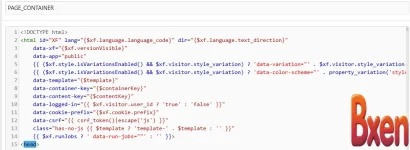
- Go to Appearance -> Templates.
- In the template search box, type and open it.extra.less
- Paste the entire CSS snippet above into the end of the template.extra.less
- Press the Save button and exit.

![[EF] Halloween Decor](/data/resource_icons/0/634.jpg?1761112560)

![[XB] XFRM: Purchasable Resources](/data/resource_icons/0/589.jpg?1760024912)
