

- Compatible with XF versions
- XF 2.2; 2.3
This guide will show you how to add a New Year's themed snowflake cursor and a falling snow animation to your XenForo forum. This is a simple modification that works by editing your main template.
Instructions:
- Go to your Admin Control Panel (ACP).
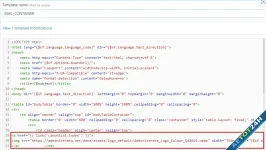
- Navigate to Appearance -> Templates.
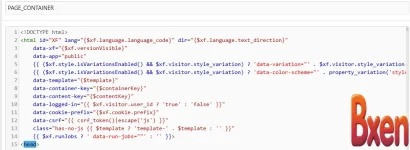
- Search for the template named .PAGE_CONTAINER
- Open the template and locate the tag.<head>
- Paste the following code immediately after :<head>
CSS:
You must log in to view
(6 lines)



![[EF] Halloween Decor](/data/resource_icons/0/634.jpg?1761112560)

![[XB] XFRM: Purchasable Resources](/data/resource_icons/0/589.jpg?1760024912)
