
Tips & Tutorials

To do this, we first log in to AdminCP> Installations> Ad manager > Add Ads. Then perform the following operations. Title : Specify any name Location : Forum Homepage: Place the following code in...


First of all, let's add the following codes to it.extra.less
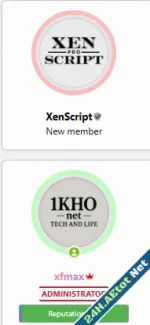
Open the message_macros template for the theme you're using and find the following code: Replace it with the following code: Add the following code to your theme's extra.less template:
![Forum Stats Coloring Icons [XENGENTR]](https://bxen.net/data/attachments/1/1690-837d194dee00b5bbf1ea7cbaf6c59bb7.jpg)
🛠️ How does it work? Just add the following code to the extra.less file of your style:

Theme not work page blank? AdminCP - Appearance - Widgets please add this widget to the widgets page
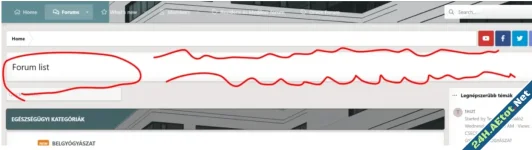
Put this code in extra.less template
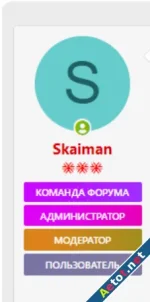
Gradient màu cho nhóm thành viên Then in the settings of the group its own class of CSS, for example: Paid Content
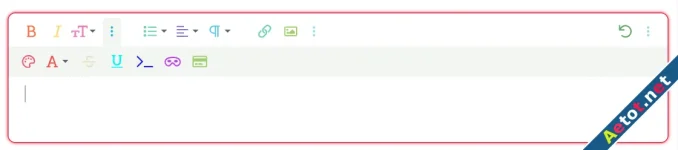
bài viết sẽ hướng dẫn bạn thêm màu cho khung soạn thảo của diễn đàn như hình ảnh minh họa đơn giản hãy nhập nội dung bên dưới vào extra.less Paid Content